Quick answer
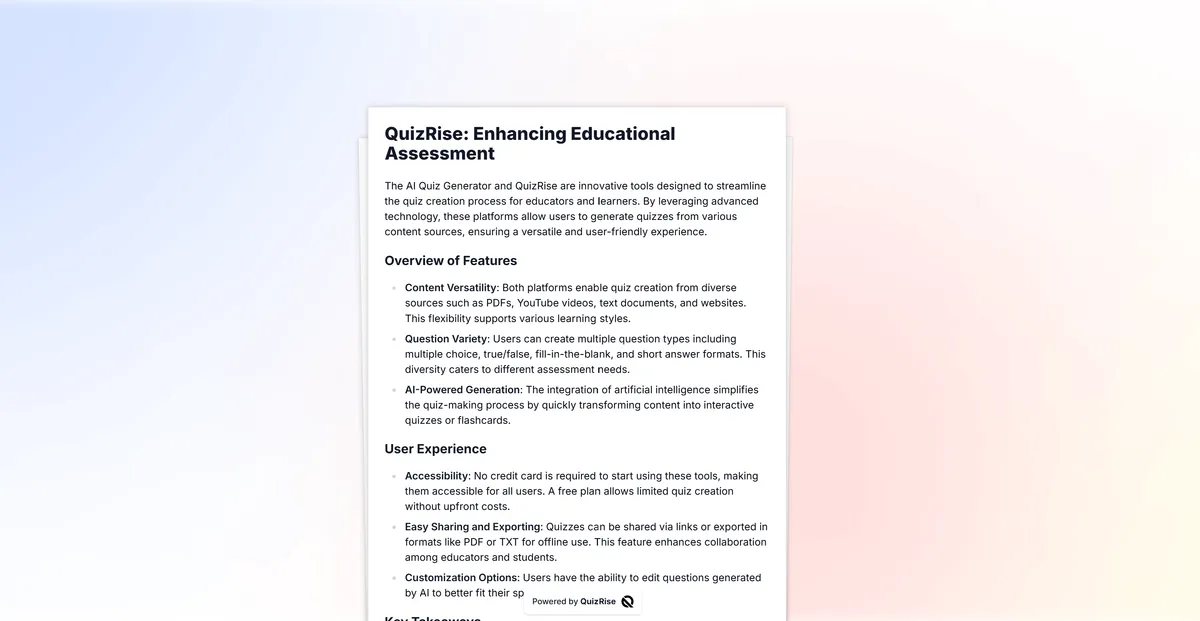
QuizRise Multiple Choice Question Generator is an AI tool that creates editable MCQ quiz questions from source material such as text, PDFs, websites, and YouTube videos with available transcript text. It helps teachers, students, and teams build answer-choice practice questions for assessment, study, and training.
Step-by-step guide
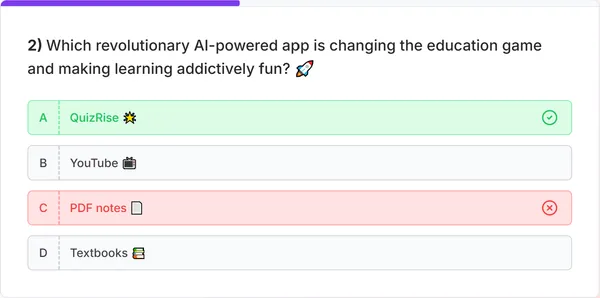
Write a clear question, one correct answer, and three wrong answers that students could believe. Base the wrong answers on common mistakes, and keep all options similar in length and style so the correct one does not stand out.
Students should be able to answer it before they read the options. Test one idea per question.
Make it clearly correct according to your material. Avoid answers that are only partly right.
Good distractors come from real misconceptions or related terms. Avoid joke options that nobody would choose.
Use the same grammar and a similar length for every option. Avoid “all of the above” and “none of the above”.
To create a multiple choice test, put your questions together, change the position of the correct answer, and check every answer against the source.
Weak example: Photosynthesis is: A) a process B) important C) about plants D) all of the above
The question is vague, and “all of the above” gives the answer away.
Better example: Which enzyme fixes carbon dioxide in the Calvin cycle? A) ATP synthase B) Carbonic anhydrase C) RuBisCO D) Hexokinase
The answer is C. Every option is a real enzyme, so students must know which one does this job.
Paste text, upload a PDF, or add a YouTube link, choose multiple choice, and QuizRise drafts the questions, options and answer key. Edit them, then share the quiz or print it with an answer key.
Discover the Key Features of QuizRise AI Multiple Choice Generator
What is the best way to learn?
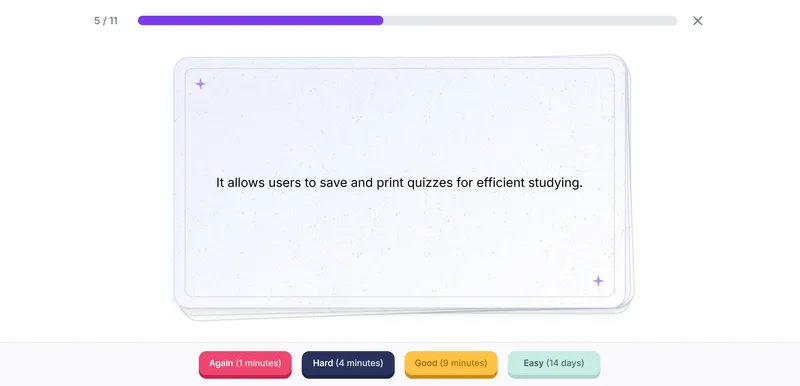
Flashcard
The best way to ____ is to use quizrise.
Cloze

Multiple choice question generator, true-false question generator, fill-in-the-blank question generator.

Effortlessly generate questions from any content. Create quiz from PDF, create quiz from Text, create quiz from Youtube, create quiz from Website you have all these ways.

Generate quizzes, flashcards, summaries and mind maps in multiple languages. Making learning possible in every language!

Easily make use of our study resources by saving and exporting your quizzes as PDF or TXT files with
printable quiz maker.
Make studying more efficient!


Effortlessly share your exams with our 'Share as a Link' feature. Simplify your exam distribution and make them publicly available instantly.
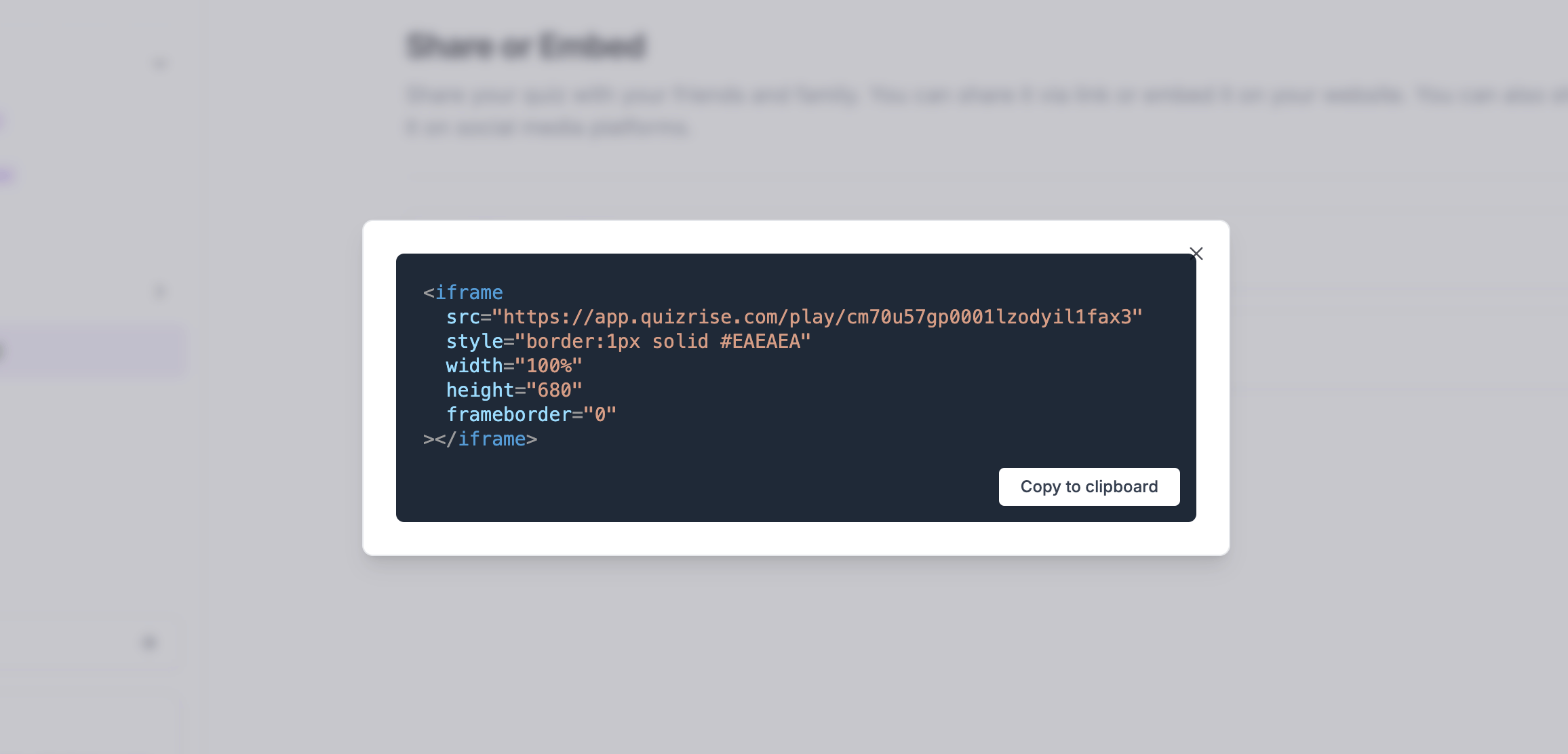

Boost your site's engagement! Quickly and easily embed a quiz on your website to increase visitor interaction.
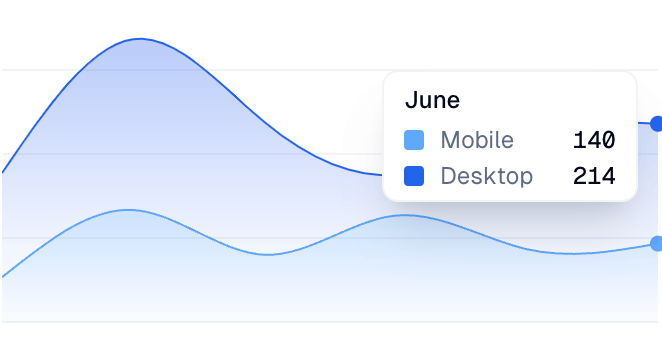

Analyze your student's results and identify key concepts that need reviewing. Spot areas needing review and identify learning trends.
Imagine a world where creating personalized, engaging, and effective
multiple choice questions is as simple as clicking a button. QuizRise
uses current large language models to draft the questions, and you
review and edit every one before you share the quiz.
If you are tired of primitive question creation methods and believe in the
power of artificial intelligence, QuizRise is the solution for you.
You gain momentum in different areas with our other free tools. (YouTube Subtitle Downloader, YouTube Transcript Generator, token counter, and
more!)
By choosing QuizRise, you will discover a new and effective way to create,
share, and interact with content!
How to Create a Multiple Choice Quiz in Minutes with our Quiz Maker
1. Create
Make a Quiz
Turn articles, documents, and even entire web pages into engaging tests and questions by entering text, topics, URLs, or uploading a file. Experience our innovative AI powered question generator, powered by artificial intelligence, providing a rich, interactive, and dynamic quiz-creating process.
Get Started2. Edit
Settings & Customize
Choose the question types, the difficulty, and how many questions to make. Then edit, add, or delete any question before you share the quiz.
Get Started3. Publish
Export & Share
Easily share your quiz through user-friendly links, embed it directly to your website to engage your audience, or simply export it to PDF or TXT format for a more tailored approach. Take the lead in spreading knowledge and enhancing connectivity!
Get Started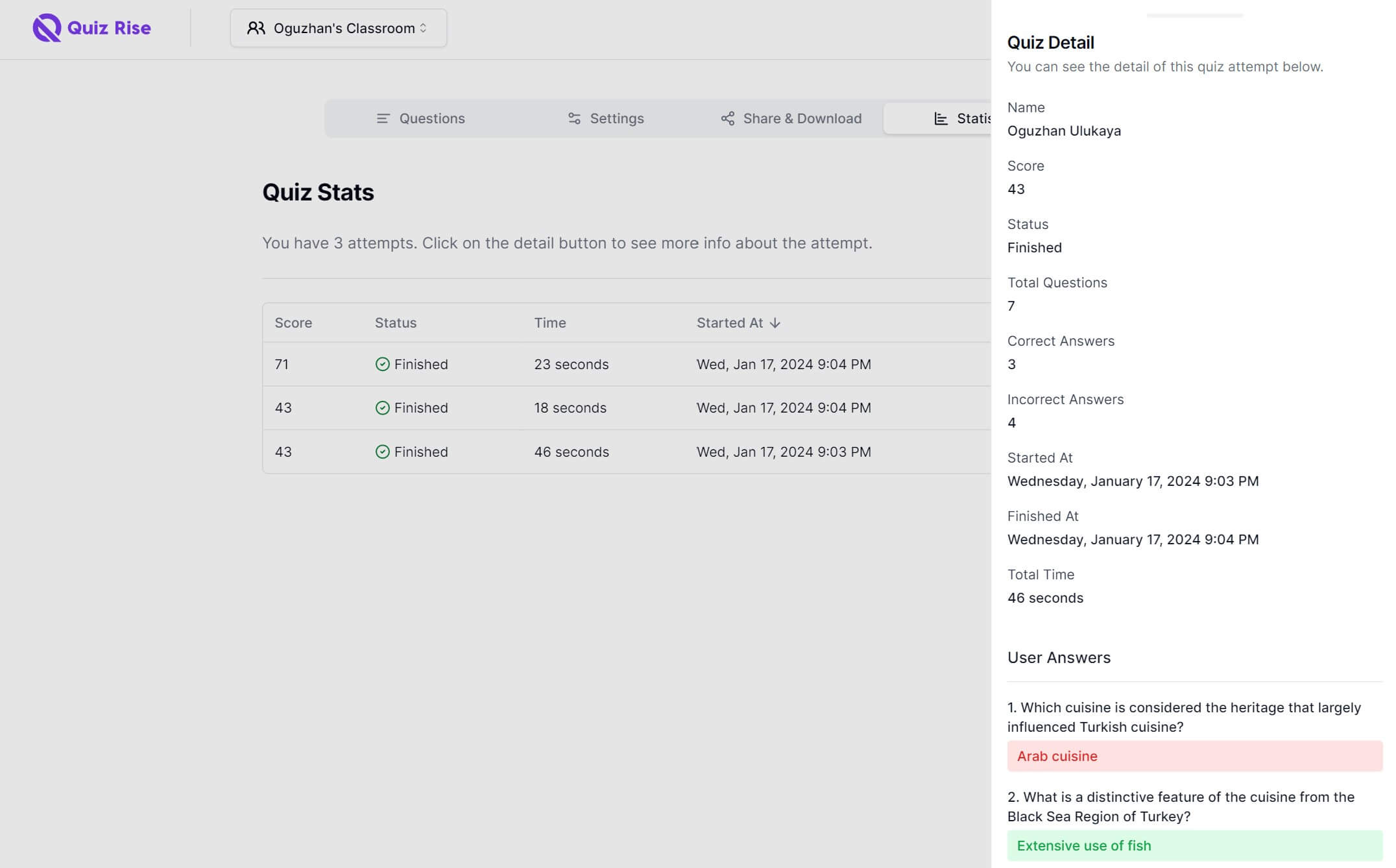
4. Statistics
Analyze the Results
Discover the practical side of education, and learning methods to analyze your student's results, identify key concepts that need reviewing, and spot potential areas for improvement. Use these data to uncover learning trends and tailor your teaching tactics, as in a teacher's formative assessment cycle. Empowering export and share tools are only a step away!
Get Started