Paste a public YouTube video link and QuizRise turns the transcript into editable quiz questions. Choose question types, review answers, then share or export your quiz for class, training, or self-study. Prefer study cards? Try our YouTube to Flashcards tool.
No Credit Card required!
1. Paste URL
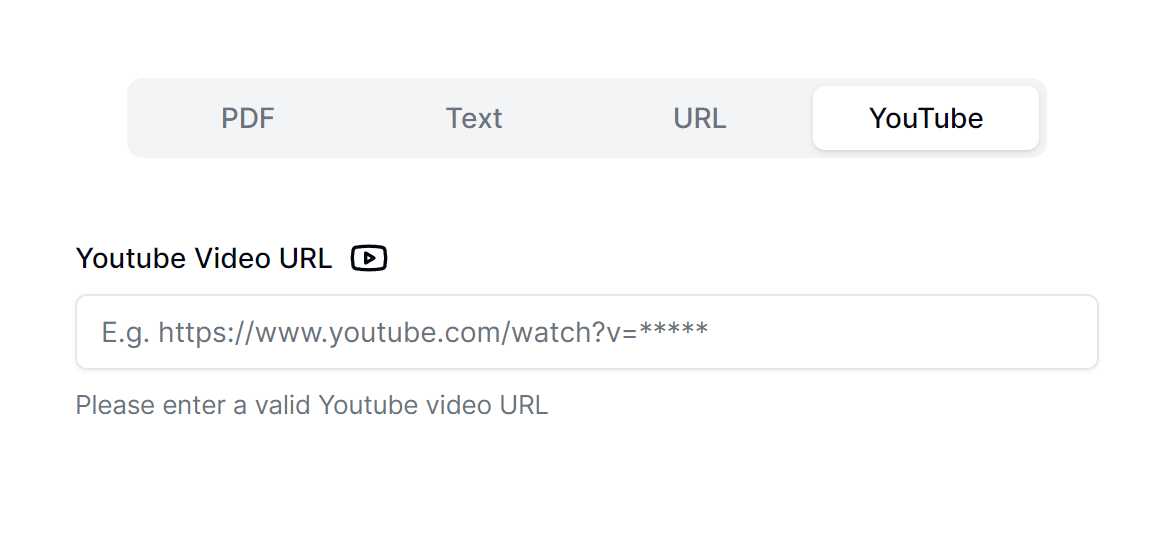
Paste the YouTube Video URL
Paste a public YouTube video link and QuizRise reads the available transcript or captions. This is the fastest way to turn a lecture, tutorial, webinar, or training video into a quiz without writing questions by hand.
Get Started
2. Extract
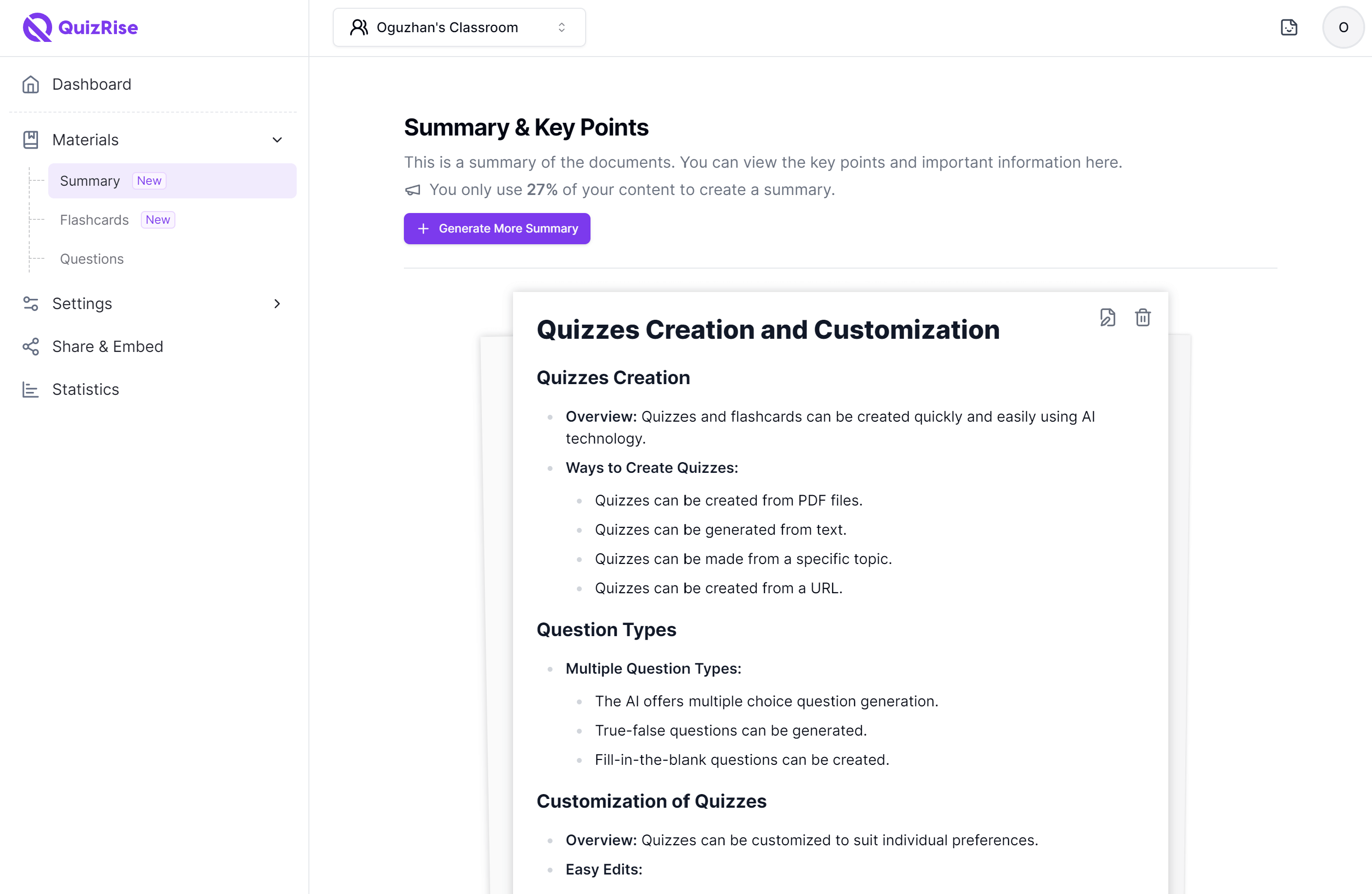
Analyze the transcript
QuizRise uses the video's available transcript or captions to identify key ideas, facts, and concepts. You can also use our YouTube transcript generator or YouTube subtitle downloader before turning video content into questions.
Get Started
3. Create
Get Questions from YouTube Videos!
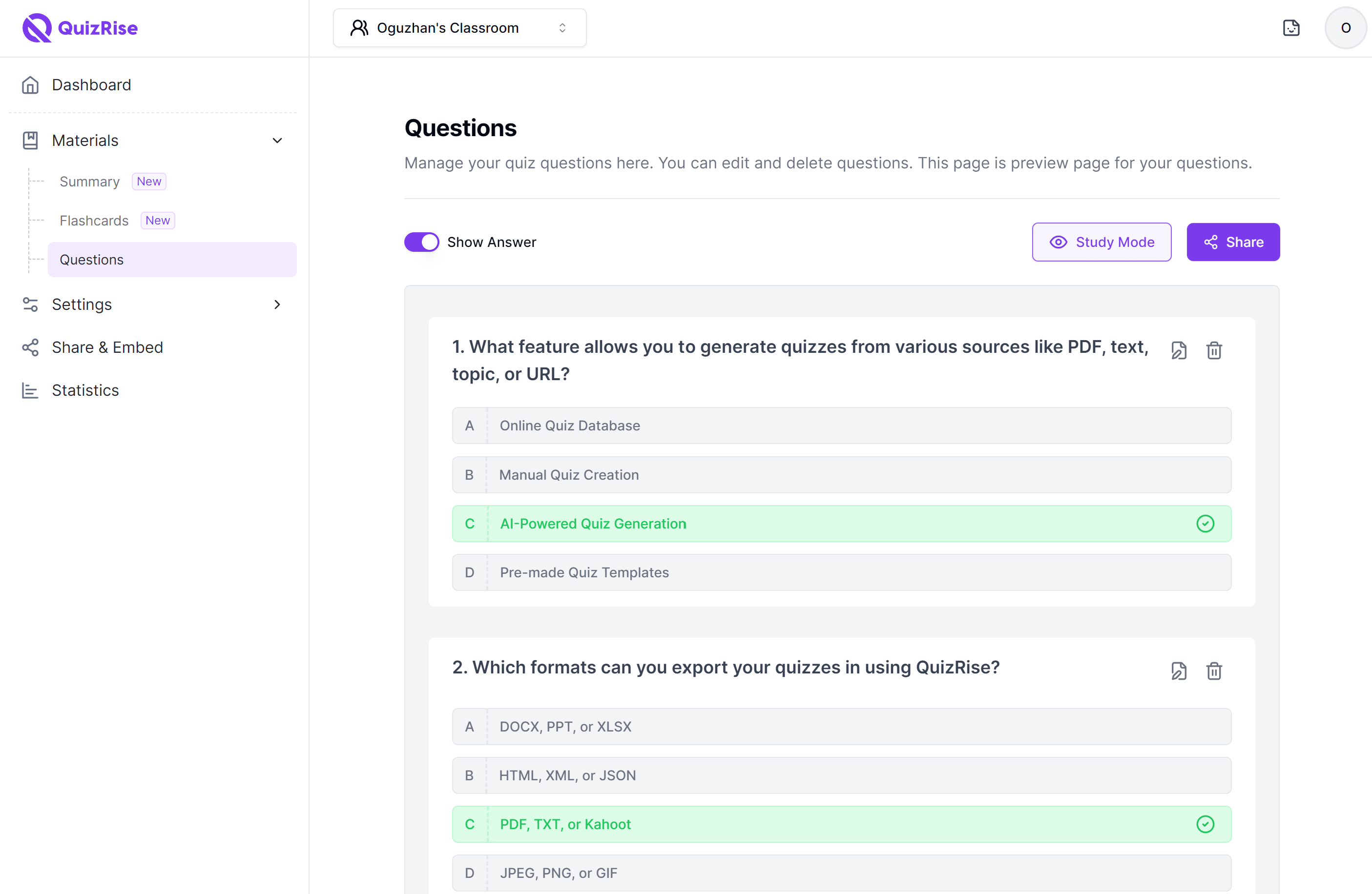
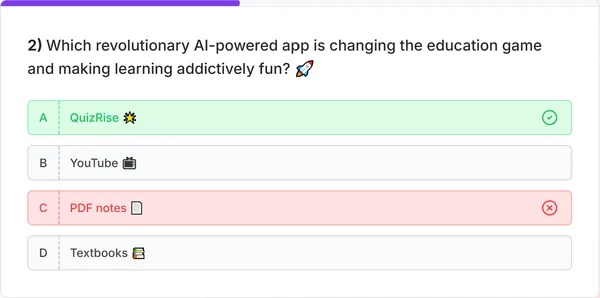
Choose the question count, difficulty, and question types you need. QuizRise can generate multiple choice, true or false, and fill-in-the-blank questions from supported YouTube videos.
Get Started4. Edit
Edit and customize
Review the generated questions, adjust answers, and refine wording before sharing. This keeps AI-generated quizzes useful for real classrooms, training sessions, and self-study.
Get Started5. Publish
Export & Share
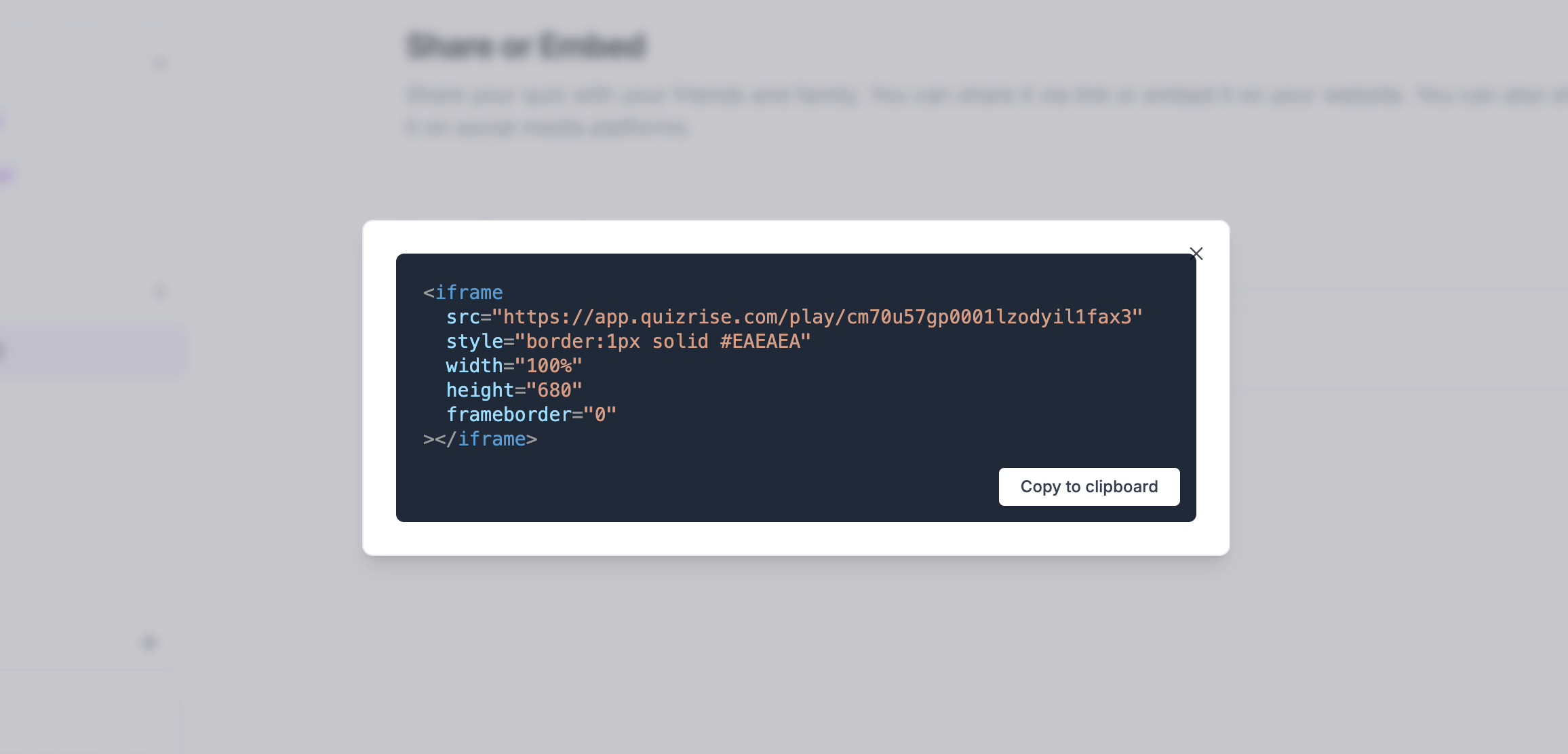
Share your quiz with a link, embed it on a website, or export it for offline use. Teachers, trainers, and students can turn video learning into quick assessments.
Get Started
6. Statistics
Analyze the Results
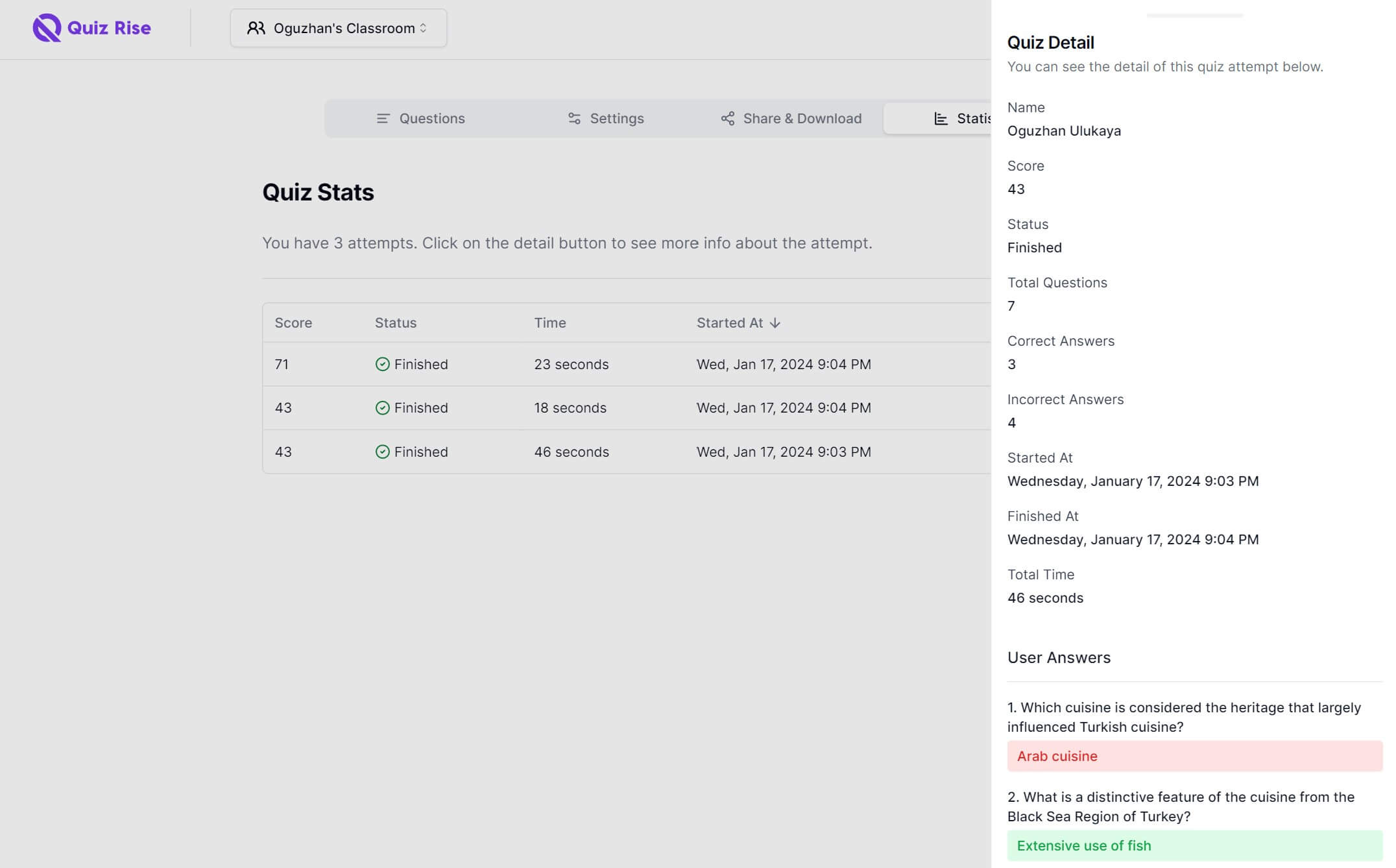
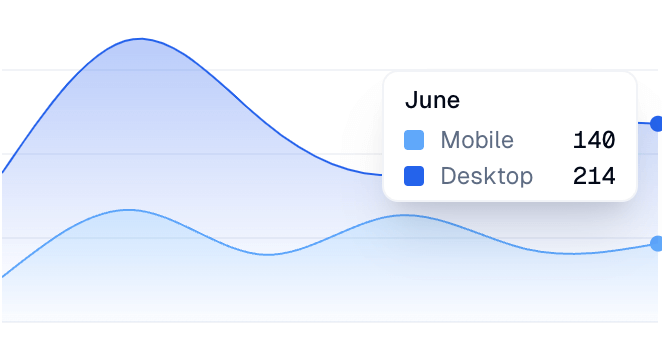
Track quiz attempts, review weak areas, and understand which parts of the video need another pass. Use results to guide review, homework, training, or exam prep.
Get StartedDiscover the Key Features of QuizRise AI Quiz Maker from YouTube
What is the best way to learn?
Flashcard
The best way to ____ is to use quizrise.
Cloze
Multiple choice question generator, true-false question generator, fill-in-the-blank question generator, we have it all!
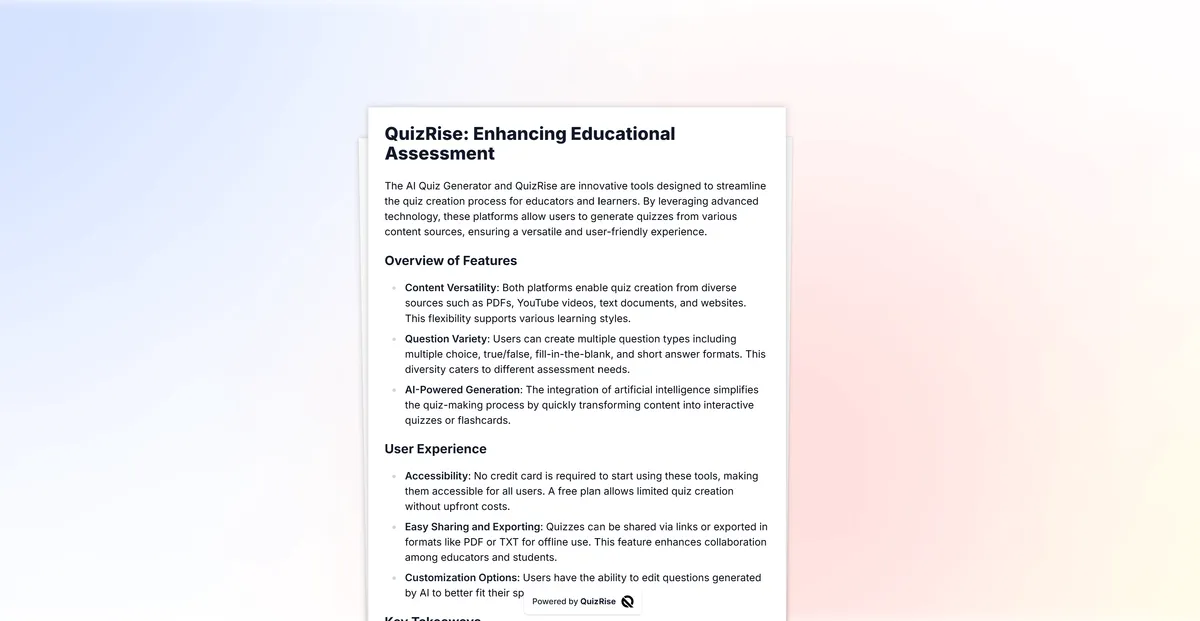
Effortlessly generate questions from any content. Create quiz from PDF, create quiz from Text, create quiz from Youtube, create quiz from Website you have all these ways.
Generate quizzes, flashcards, and summaries in multiple languages. Making learning possible in every language!
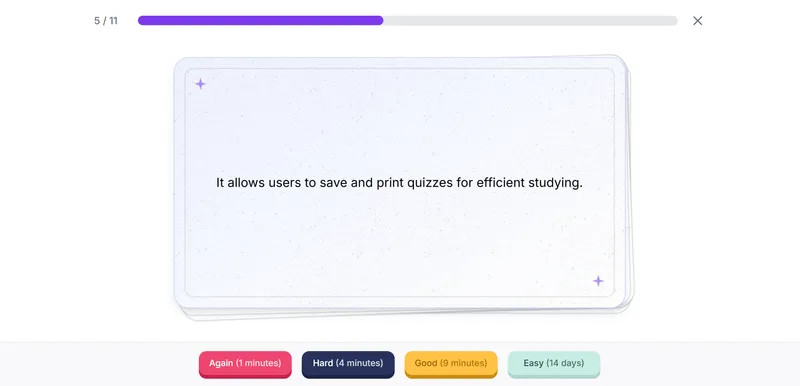
Easily make use of our study resources by saving and exporting your quizzes as PDF or TXT files with
printable quiz maker.
Make studying more efficient!
Effortlessly share your exams with our 'Share as a Link' feature. Simplify your exam distribution and make them publicly available instantly.
Boost your site's engagement! Quickly and easily embed a quiz on your website to increase visitor interaction.
Analyze your student's results and identify key concepts that need reviewing. Spot areas needing review and identify learning trends.