"Awesome ideas"
Awesome ideas for helping students and youth groups to learn easily.
Pros
It's very easy to use and the multiple way of helping prepare the questions are really great.
Upload a PPTX presentation and QuizRise turns slide content into editable flashcards. Use it for lectures, training decks, exam prep, and class presentations.
No Credit Card required!

loved by 500,000+
students & teachers
Quick answer
QuizRise PowerPoint to Flashcards is an AI flashcard maker that turns readable PPTX slide content into editable active-recall cards. It is useful for lecture decks, training presentations, class slides, and exam review material where learners want key terms, definitions, and concepts as study cards.
The clearest cards come from slide text that already explains the terms, examples, and concepts students need to remember.
PPTX decks with readable slide text, lecture bullets, definitions, and class or training notes. Use this workflow when the deck already has clear slide titles, bullets, and definitions.
Slide titles, bullets, definitions, key terms, and concepts that can become active recall flashcards. For example, a slide defining opportunity cost can become a term-and-answer card.
Speaker notes, chart data, image-only slides, formulas, dates, and any slide context that AI may miss. Save older PPT files as PPTX first.
1. Upload
Upload a PPTX file
Upload a PowerPoint presentation from a lecture, class deck, or training session. QuizRise supports PPTX files, so older PPT files should be saved as PPTX first. You can also start from the main AI flashcard generator.
Upload PPTX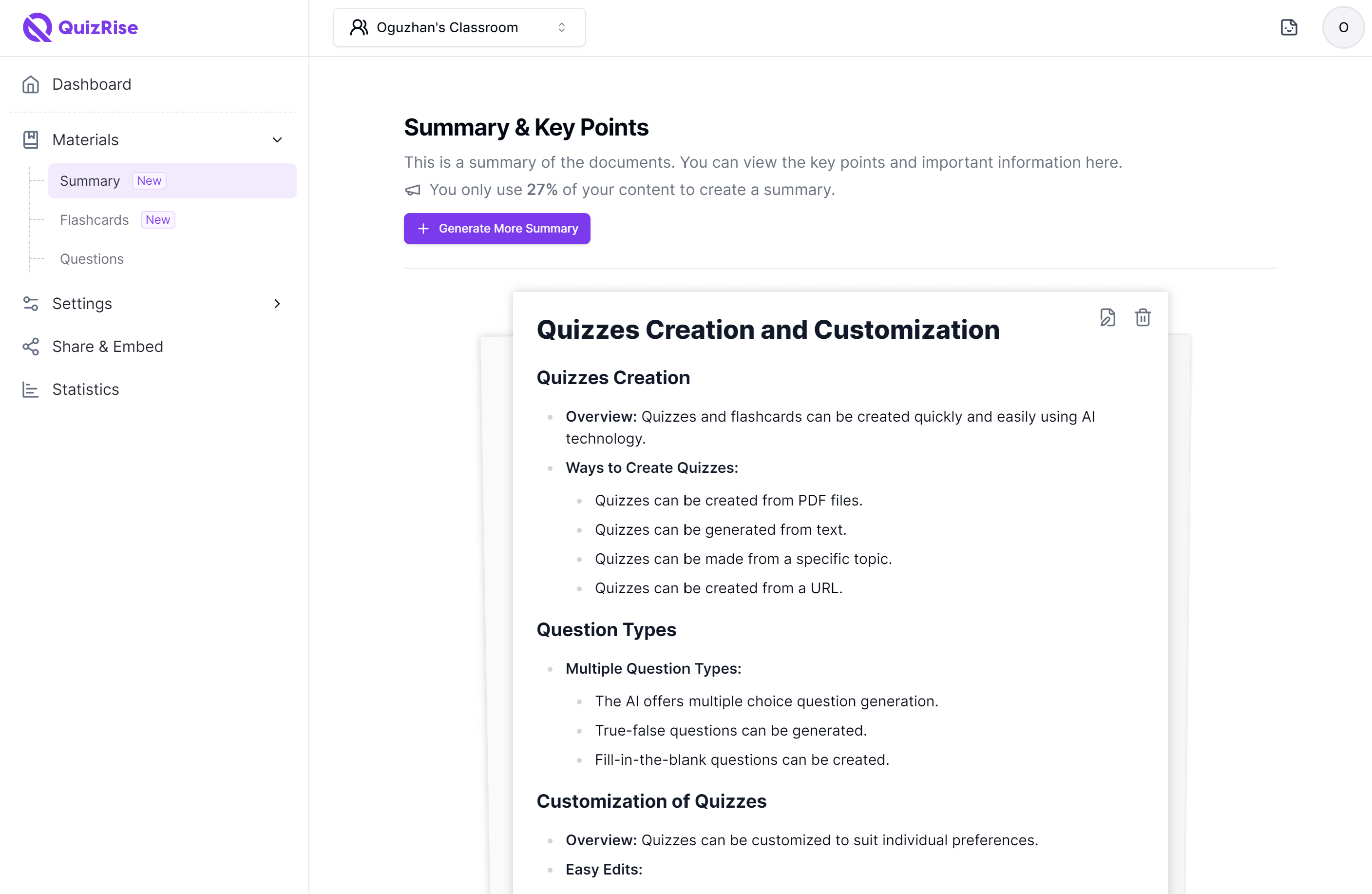
2. Extract
Extract slide concepts
QuizRise reads slide text and identifies the ideas that can become useful active recall cards.
Upload PPTX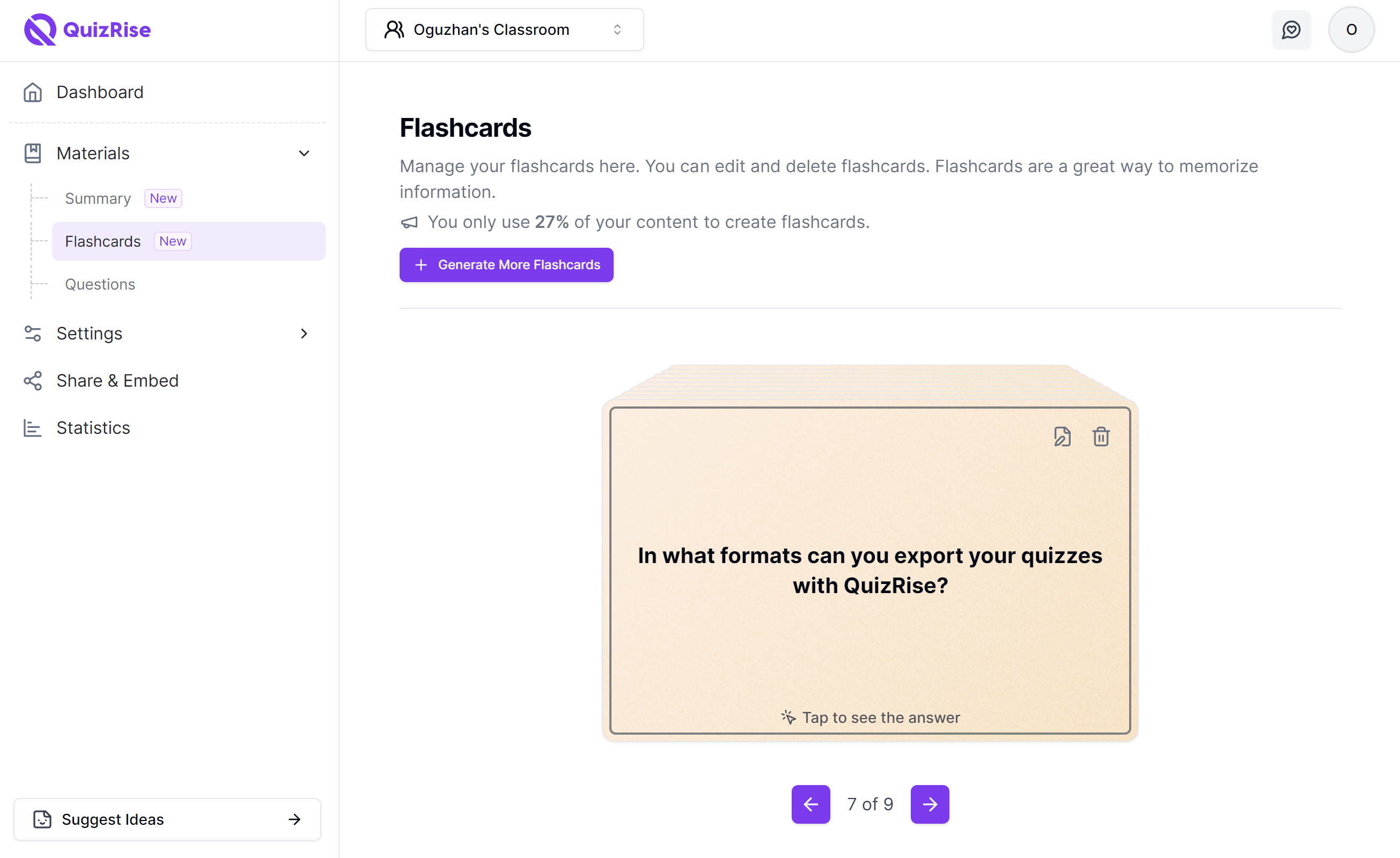
3. Generate
Turn slides into flashcards
QuizRise creates editable question and answer cards from the deck. Need quiz questions instead? Use our PowerPoint quiz maker.
Upload PPTX4. Edit
Edit generated cards
Review card fronts and backs, adjust wording, and keep the study cards that match your lesson or exam.
Upload PPTX5. Study
Save and review
Save your flashcards to QuizRise, review them later, and keep your slide-based study material organized.
Upload PPTXUsed by students and teachers worldwide


Awesome ideas for helping students and youth groups to learn easily.
Pros
It's very easy to use and the multiple way of helping prepare the questions are really great.
Overall, QuizRise has become one of my favourite productivity tools for creating educational content. Instead of spending hours writing quizzes from scratch, I can focus on reviewing and refining the generated material. It combines AI automation with enough flexibility to make it genuinely useful for both teachers and students. I would definitely recommend it to anyone who regularly creates quizzes, revision materials, or study resources.
Pros
QuizRise has saved me a huge amount of time when creating learning materials. I especially like how I can upload PDFs, lecture notes, websites, or YouTube videos and have quizzes, flashcards, and summaries generated within seconds. The interface is clean and intuitive, making it easy to edit the AI-generated content before using it with students. The ability to export quizzes and share them with others is also very useful. As a teacher, it has significantly streamlined my workflow while still giving me full control over the final content.
I am very glad I ran into this app. My mom, who is a teacher, told me about it.
Pros
Easiest way to study for an exam. That extra help I need right before.
It is amazing their AI gives you answers to the quizzes and flashcards .In other sites you have to choose the answers yourself
Pros
I love the fact that they not only give you quizzes but it comes with flashcards, summaries helping you understand content alot better
Very good experience and very good content coverage
Pros
It is quite accurate and not too repetitive.
Was good, I recommended it to my colleagues but surprisingly after first trial of it, it asked me to pay i thought paying for extra questions only
Pros
Professional questions and involving important points of the file uploaded
Pros
Makes studying easier, It creates flashcards if you upload pdf
I had a great time using QuizRise! It's a fantastic tool for anyone looking to learn new things in a fun and interactive way. The platform is user-friendly, and the quizzes are well-designed.
Pros
I loved how QuizRise made learning fun and interactive. The quizzes were engaging, and the gamification elements made me want to learn more.
Pros
As a new app user, I find the feature to be better and easier to use than others. It has been constructive for my master's degree studies.
easy to share the test and flash back and desire format and enjoy accessibility. provide simple and direct way for as to access and interact with our content. you can share test with student or team members through a link or easy embed them on your website.
Pros
the technology or application that as the users can transform content into test or can personalize their test and share it in web
Thank you very much. In fact when I do not use QuizRise, I loose time for questions
Pros
easy usage, quick solution, question library
Pros
Being able to use a PDF or YouTube video to generate questions for a quiz is very useful!
My overall experience with QuizRise despite using the free trial is still great and would definitely recommend it to my colleagues
Pros
QuizRise offers various services but I really like the way that QuizRise helped me to create assessment for my upcoming exams to serve as my reviewers.
My experience with QuizRise has been overwhelmingly positive. It has become a daily habit, offering a quick and engaging way to challenge my mind and expand my knowledge base. The app's design is intuitive, and the constant updates with new questions keep the experience fresh and exciting. I highly recommend QuizRise to anyone looking to learn something new every day in a fun and interactive way.
Pros
What I liked most about QuizRise is its vast and diverse question bank. The app caters to a wide range of topics, from science and history to pop culture and trivia, making it a one-stop solution for knowledge seekers. The interface is user-friendly. I was impressed by the vast library of quizzes and courses available on QuizRise, which catered to my diverse interests and allowed me to explore new subjects
QuizRise has made it incredibly easy for me to convert my educational materials into quizzes quickly and effortlessly. The AI-powered platform generates various types of questions, including multiple-choice, true/false, and fill-in-the-blank, from texts, PDFs, and URLs. As an educator, this tool has significantly streamlined my workflow and saved me a lot of time. The customization and editing options for quizzes are excellent, allowing for a personalized touch. I highly recommend QuizRise!
Pros
An easy-to-use application tutorial for homework
Discover the Key Features of QuizRise AI Flashcard Generator from PowerPoint
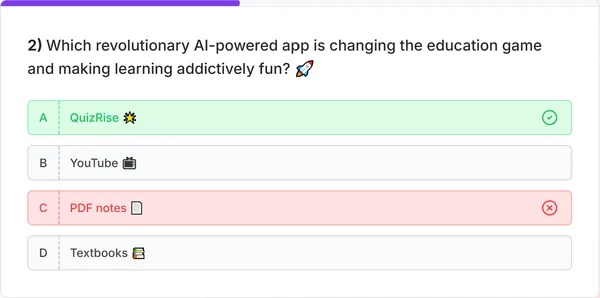
What is the best way to learn?
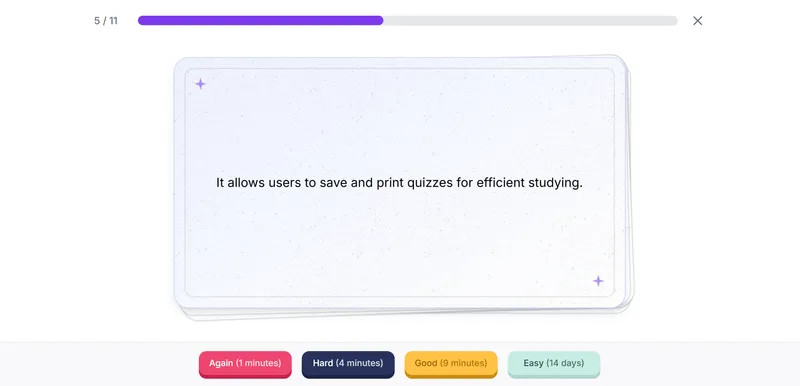
Flashcard
The best way to ____ is to use quizrise.
Cloze

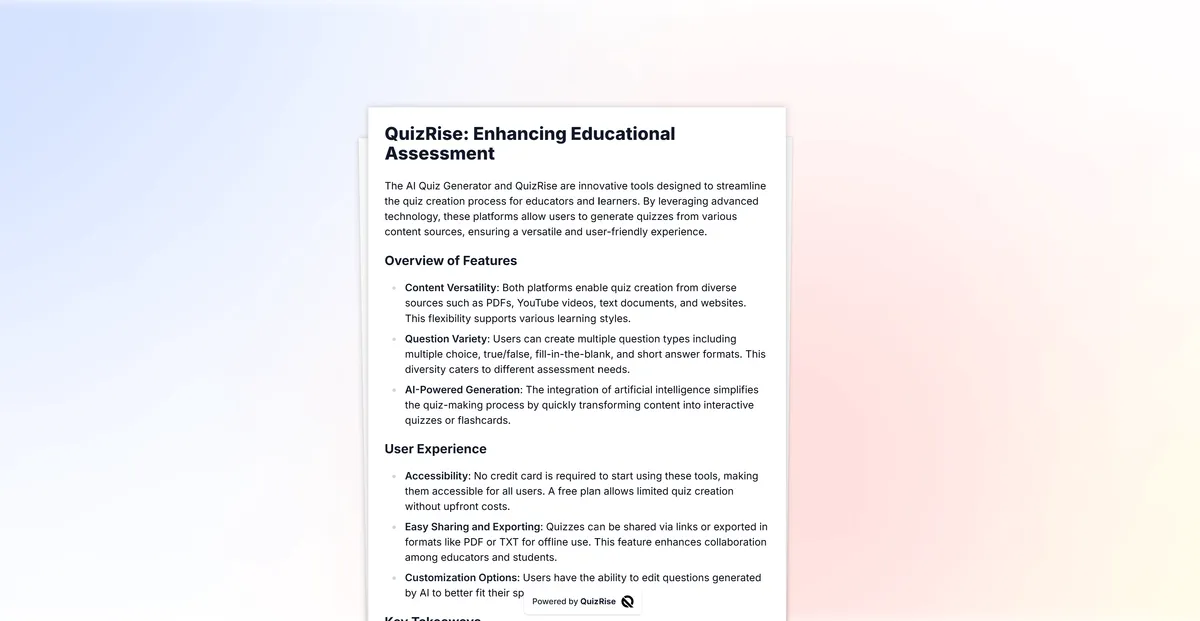
Multiple choice question generator, true-false question generator, fill-in-the-blank question generator, we have it all!

Effortlessly generate questions from any content. Create quiz from PDF, create quiz from Text, create quiz from Youtube, create quiz from Website you have all these ways.

Generate quizzes, flashcards, and summaries in multiple languages. Making learning possible in every language!

Easily make use of our study resources by saving and exporting your quizzes as PDF or TXT files with
printable quiz maker.
Make studying more efficient!


Effortlessly share your exams with our 'Share as a Link' feature. Simplify your exam distribution and make them publicly available instantly.
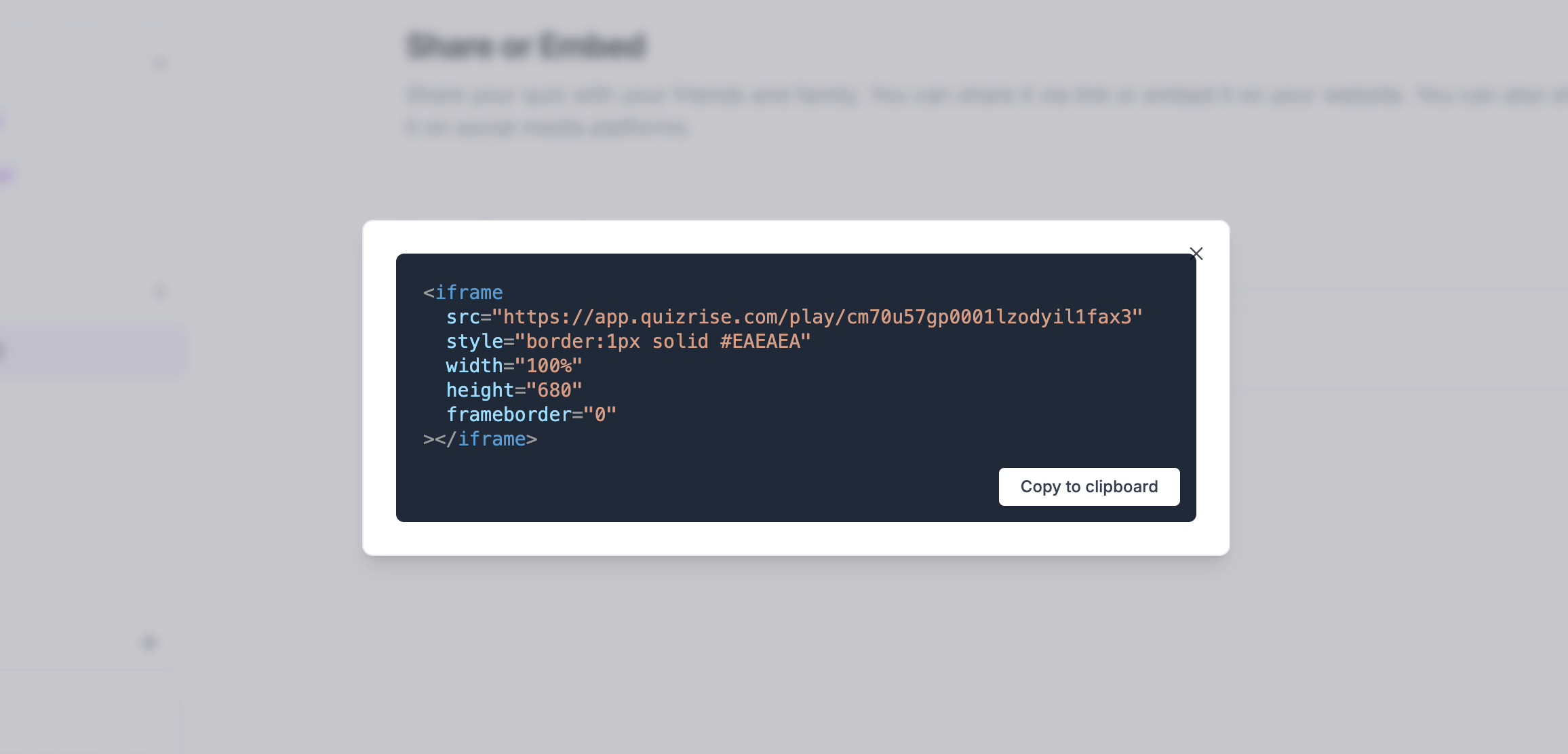

Boost your site's engagement! Quickly and easily embed a quiz on your website to increase visitor interaction.
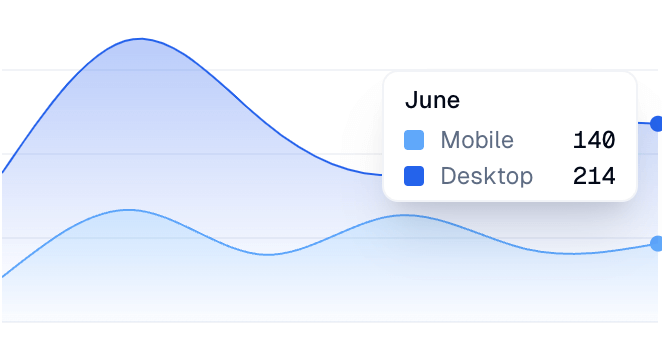

Analyze your student's results and identify key concepts that need reviewing. Spot areas needing review and identify learning trends.