



"Awesome ideas"
Awesome ideas for helping students and youth groups to learn easily.
Pros
It's very easy to use and the multiple way of helping prepare the questions are really great.
Turn notes into flashcards, generate cards from PDFs, slides, handwritten images, documents, and YouTube videos, then edit every card before you study. QuizRise helps you move from raw study material to active recall faster.
No Credit Card required!

used by 500,000+
students & teachers
Quick answer
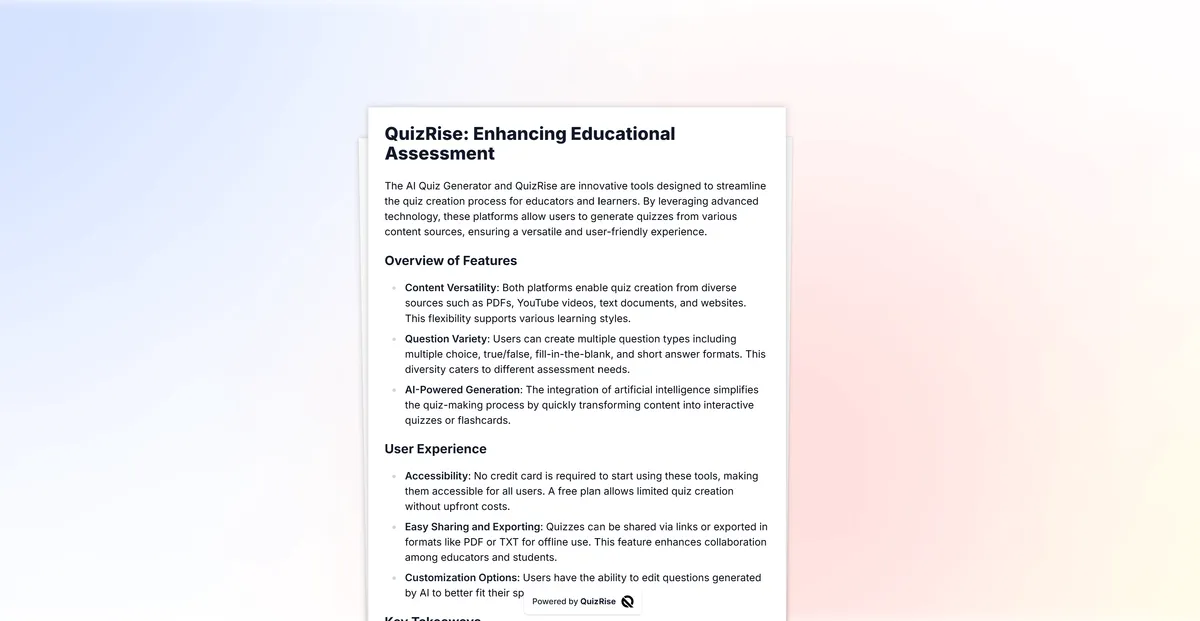
QuizRise AI Flashcard Generator turns study material into editable question-and-answer cards for active recall. It supports notes, PDFs, YouTube videos, slides, Word documents, screenshots, and handwritten note images, then lets users edit cards and export study sets to formats such as PDF, Anki, or TXT.
Use this AI flashcard generator as the main workflow for notes, handwritten images, and pasted text, or start with a source-specific page when you already know where your study material lives.
Paste lecture notes, study guides, outlines, or copied text and turn the key ideas into flashcards.
Upload textbooks, worksheets, lecture notes, or study guides and turn PDF pages into editable cards.
Upload screenshots or handwritten note images and create editable flashcards from extracted text.
Paste a public YouTube link and generate study cards from the available transcript or captions.
Upload PPTX slides from lectures or training decks and create active recall cards from slide text.
Upload DOCX notes, outlines, and study guides to generate flashcards from structured document text.
Paste notes or upload a study file, let QuizRise extract the key concepts, then review and edit the generated cards before studying. You can keep working from the same material with the AI question generator, AI PDF summarizer, or YouTube transcript generator.
Lecture notes, PDFs, slides, Word documents, screenshots, handwritten note images, and public YouTube videos with available transcripts.
Key terms, definitions, factual relationships, and concepts that work well as question-and-answer cards for active recall.
Edit generated cards, check OCR or transcript details, then share or export your study set to PDF, Anki, or TXT.
Discover the Key Features of QuizRise AI Flashcard Maker
What is the best way to learn?
Flashcard
The best way to ____ is to use quizrise.
Cloze

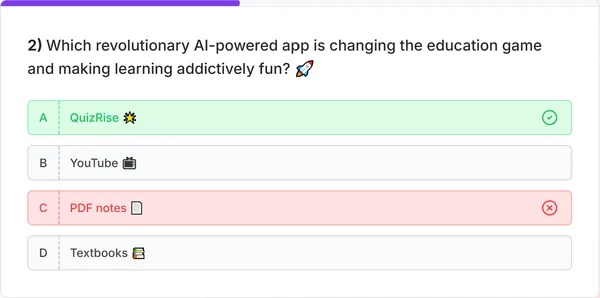
Multiple choice question generator, true-false question generator, fill-in-the-blank question generator, we have it all!

Effortlessly generate questions from any content. Create quiz from PDF, create quiz from Text, create quiz from Youtube, create quiz from Website you have all these ways.

Generate quizzes, flashcards, and summaries in multiple languages. Making learning possible in every language!

Easily make use of our study resources by saving and exporting your quizzes as PDF or TXT files with
printable quiz maker.
Make studying more efficient!


Effortlessly share your exams with our 'Share as a Link' feature. Simplify your exam distribution and make them publicly available instantly.
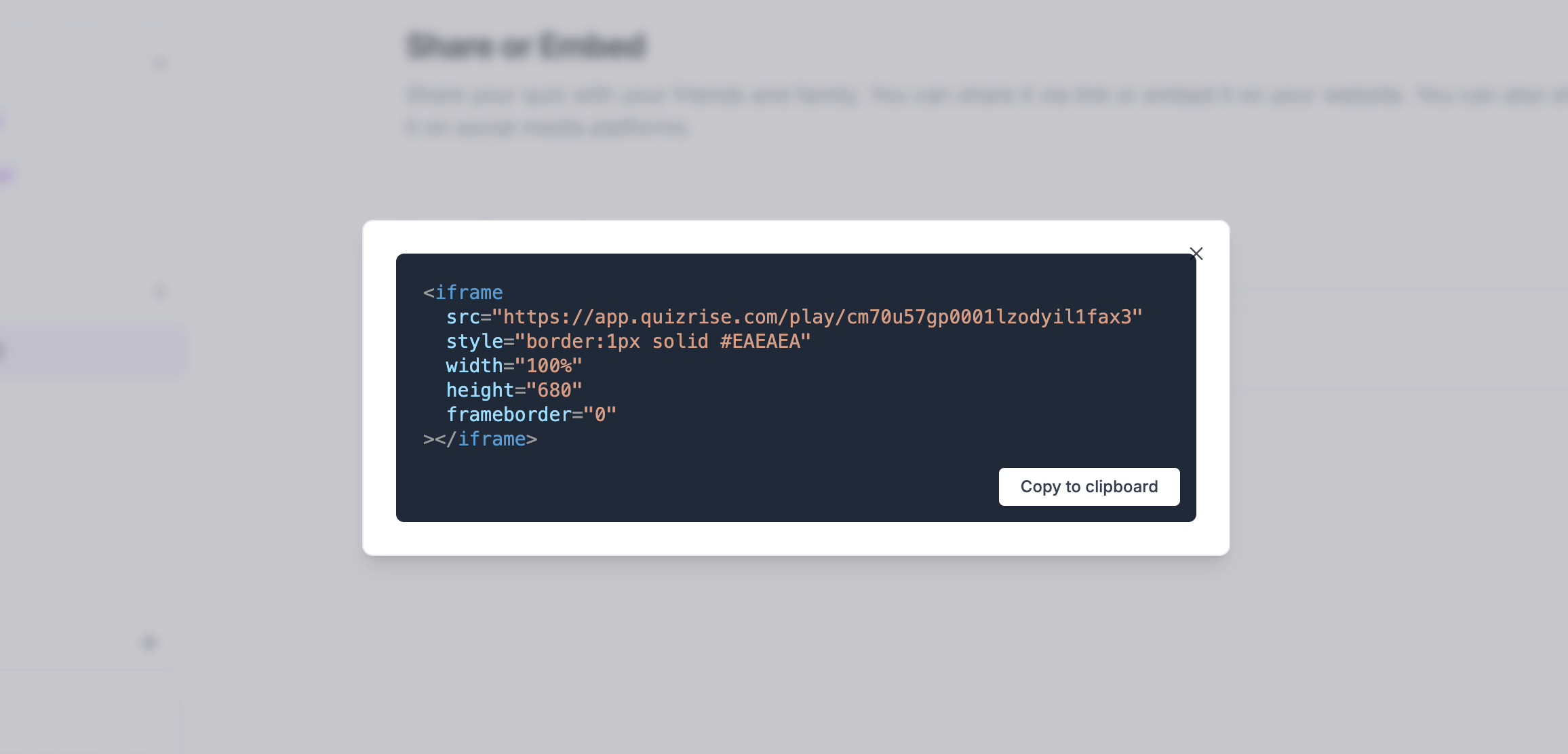

Boost your site's engagement! Quickly and easily embed a quiz on your website to increase visitor interaction.
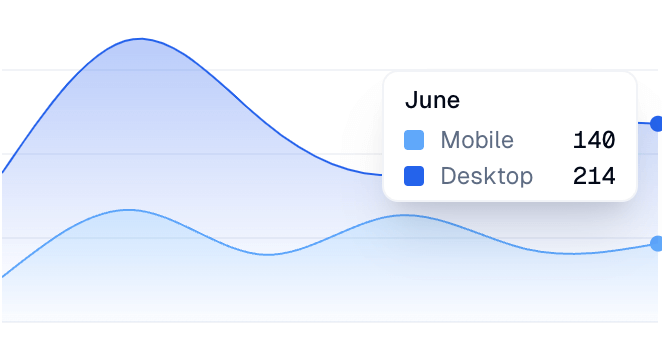

Analyze your student's results and identify key concepts that need reviewing. Spot areas needing review and identify learning trends.
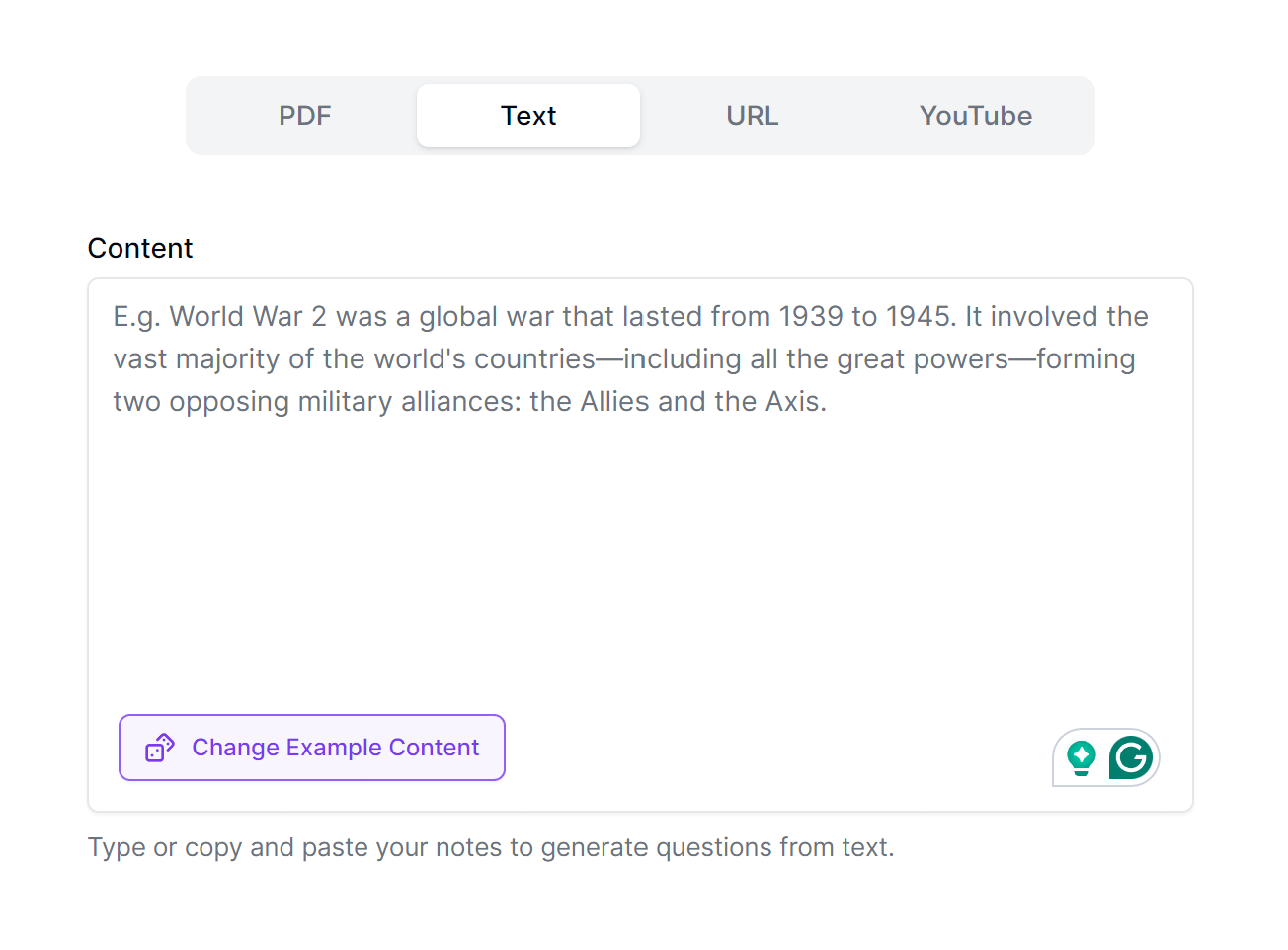
1. Paste
Paste or upload study material
Paste notes or upload PDFs, documents, slide decks, screenshots, handwritten note images, YouTube video URLs, or website URLs to create custom flashcards in seconds.
Get Started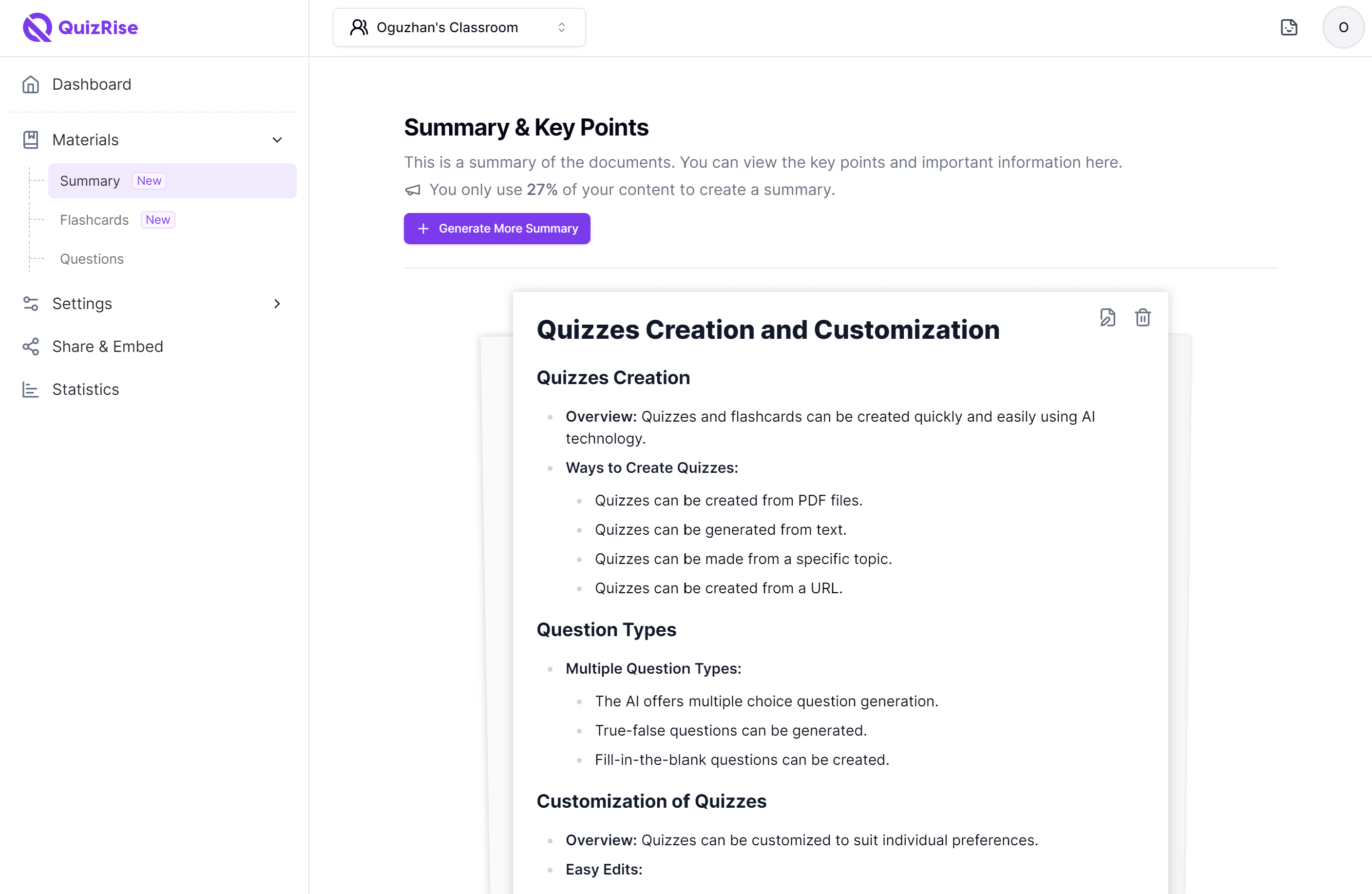
2. Extract
Extract key concepts
QuizRise analyzes your source material, extracts the most useful concepts, and turns them into question-and-answer cards for active recall.
Get Started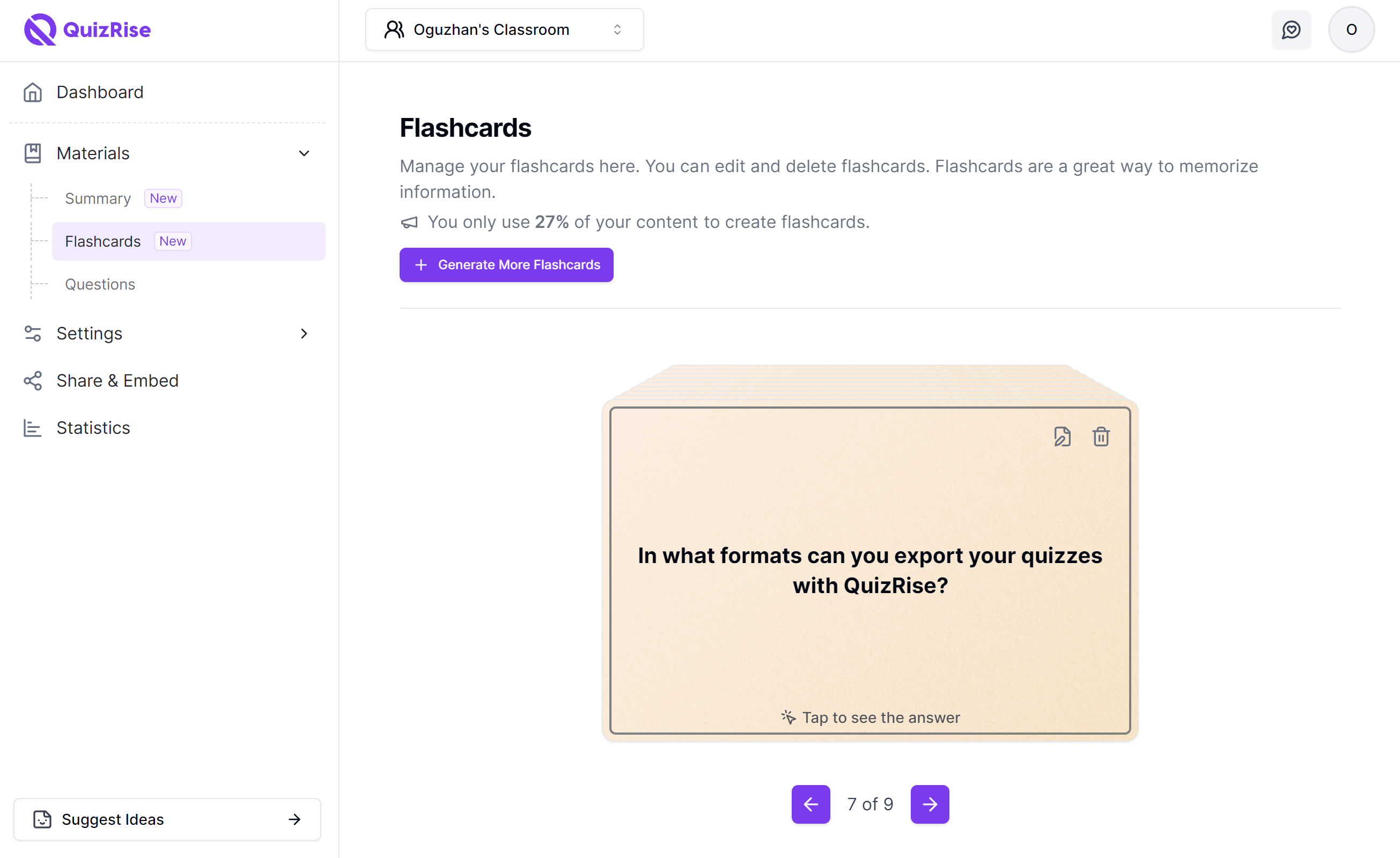
3. Generate
Turn notes into flashcards
Review the generated cards, edit terms or definitions, and keep the flashcards that match your study goal before sharing or exporting them.
Get Started4. Study
Study Easily
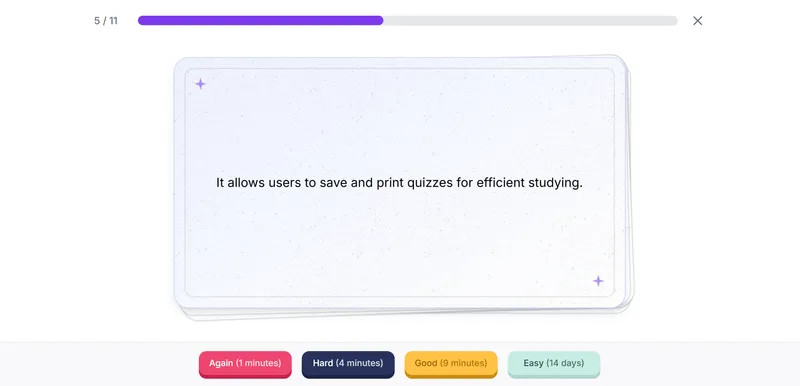
It's now time to review your custom flashcards extracted from your notes. Try to reply to the question or try to guess the definition of the term on the front side – then click on the flashcard to flip the correct answer.
Get Started5. Publish & Share
Export & Share
Easily share your flashcards through user-friendly links, embed them directly on your website, or export them to PDF, Anki, or TXT format for offline study and review.
Get StartedAwesome ideas for helping students and youth groups to learn easily.
Pros
It's very easy to use and the multiple way of helping prepare the questions are really great.
Overall, QuizRise has become one of my favourite productivity tools for creating educational content. Instead of spending hours writing quizzes from scratch, I can focus on reviewing and refining the generated material. It combines AI automation with enough flexibility to make it genuinely useful for both teachers and students. I would definitely recommend it to anyone who regularly creates quizzes, revision materials, or study resources.
Pros
QuizRise has saved me a huge amount of time when creating learning materials. I especially like how I can upload PDFs, lecture notes, websites, or YouTube videos and have quizzes, flashcards, and summaries generated within seconds. The interface is clean and intuitive, making it easy to edit the AI-generated content before using it with students. The ability to export quizzes and share them with others is also very useful. As a teacher, it has significantly streamlined my workflow while still giving me full control over the final content.
I am very glad I ran into this app. My mom, who is a teacher, told me about it.
Pros
Easiest way to study for an exam. That extra help I need right before.
It is amazing their AI gives you answers to the quizzes and flashcards .In other sites you have to choose the answers yourself
Pros
I love the fact that they not only give you quizzes but it comes with flashcards, summaries helping you understand content alot better
Very good experience and very good content coverage
Pros
It is quite accurate and not too repetitive.
Was good, I recommended it to my colleagues but surprisingly after first trial of it, it asked me to pay i thought paying for extra questions only
Pros
Professional questions and involving important points of the file uploaded
Pros
Makes studying easier, It creates flashcards if you upload pdf
I had a great time using QuizRise! It's a fantastic tool for anyone looking to learn new things in a fun and interactive way. The platform is user-friendly, and the quizzes are well-designed.
Pros
I loved how QuizRise made learning fun and interactive. The quizzes were engaging, and the gamification elements made me want to learn more.
Pros
As a new app user, I find the feature to be better and easier to use than others. It has been constructive for my master's degree studies.
easy to share the test and flash back and desire format and enjoy accessibility. provide simple and direct way for as to access and interact with our content. you can share test with student or team members through a link or easy embed them on your website.
Pros
the technology or application that as the users can transform content into test or can personalize their test and share it in web
Thank you very much. In fact when I do not use QuizRise, I loose time for questions
Pros
easy usage, quick solution, question library
Pros
Being able to use a PDF or YouTube video to generate questions for a quiz is very useful!
My overall experience with QuizRise despite using the free trial is still great and would definitely recommend it to my colleagues
Pros
QuizRise offers various services but I really like the way that QuizRise helped me to create assessment for my upcoming exams to serve as my reviewers.
My experience with QuizRise has been overwhelmingly positive. It has become a daily habit, offering a quick and engaging way to challenge my mind and expand my knowledge base. The app's design is intuitive, and the constant updates with new questions keep the experience fresh and exciting. I highly recommend QuizRise to anyone looking to learn something new every day in a fun and interactive way.
Pros
What I liked most about QuizRise is its vast and diverse question bank. The app caters to a wide range of topics, from science and history to pop culture and trivia, making it a one-stop solution for knowledge seekers. The interface is user-friendly. I was impressed by the vast library of quizzes and courses available on QuizRise, which catered to my diverse interests and allowed me to explore new subjects
QuizRise has made it incredibly easy for me to convert my educational materials into quizzes quickly and effortlessly. The AI-powered platform generates various types of questions, including multiple-choice, true/false, and fill-in-the-blank, from texts, PDFs, and URLs. As an educator, this tool has significantly streamlined my workflow and saved me a lot of time. The customization and editing options for quizzes are excellent, allowing for a personalized touch. I highly recommend QuizRise!
Pros
An easy-to-use application tutorial for homework