AI Quiz Generator
Quick answer
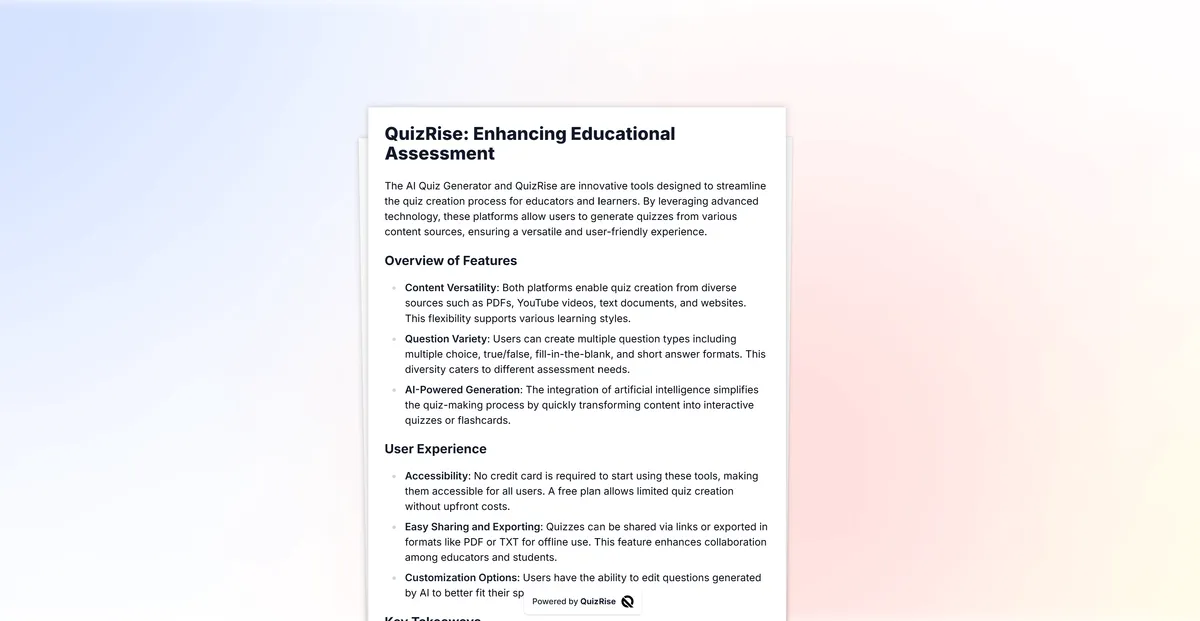
QuizRise AI Quiz Generator creates editable quiz questions from existing learning material. It supports PDFs, text, websites, YouTube videos, and PowerPoint slides, then helps users generate multiple-choice, true or false, and fill-in-the-blank questions that can be reviewed, edited, shared, embedded, or exported.
Start with the workflow that matches your source material or choose the question format you want to generate.
Upload worksheets, readings, or study guides and generate quiz questions from PDF files.
Paste a YouTube link and turn available transcripts or captions into questions.
Paste notes, lessons, or passages and create editable questions in seconds.
Create questions from articles, web pages, and online learning resources.
Turn lecture slides and training decks into quiz questions for review.
Generate multiple-choice questions with answer choices for tests and practice.
Create true-or-false questions for quick checks and classroom review.
Build fill-in-the-blank questions from lesson text and study material.
Discover the Key Features of QuizRise AI Question Generator
What is the best way to learn?
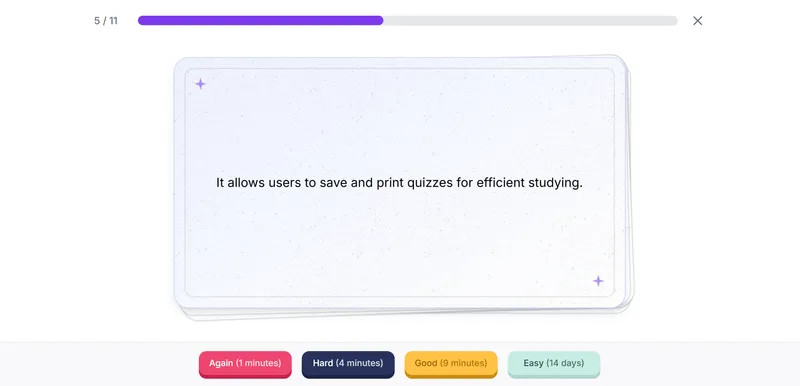
Flashcard
The best way to ____ is to use quizrise.
Cloze

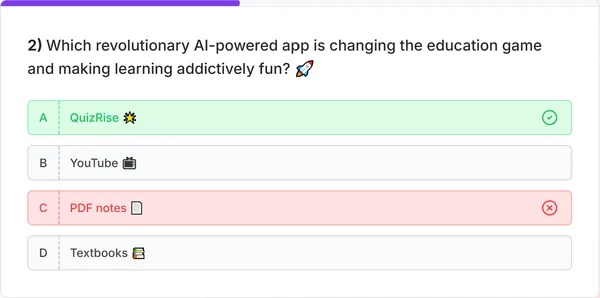
Multiple choice question generator, true-false question generator, fill-in-the-blank question generator.

Effortlessly generate questions from any content. Create quiz from PDF, create quiz from Text, create quiz from Youtube, create quiz from Website you have all these ways.

Generate quizzes, flashcards, and summaries in multiple languages. Making learning possible in every language!

Easily make use of our study resources by saving and exporting your quizzes as PDF or TXT files with
printable quiz maker.
Make studying more efficient!


Effortlessly share your exams with our 'Share as a Link' feature. Simplify your exam distribution and make them publicly available instantly.
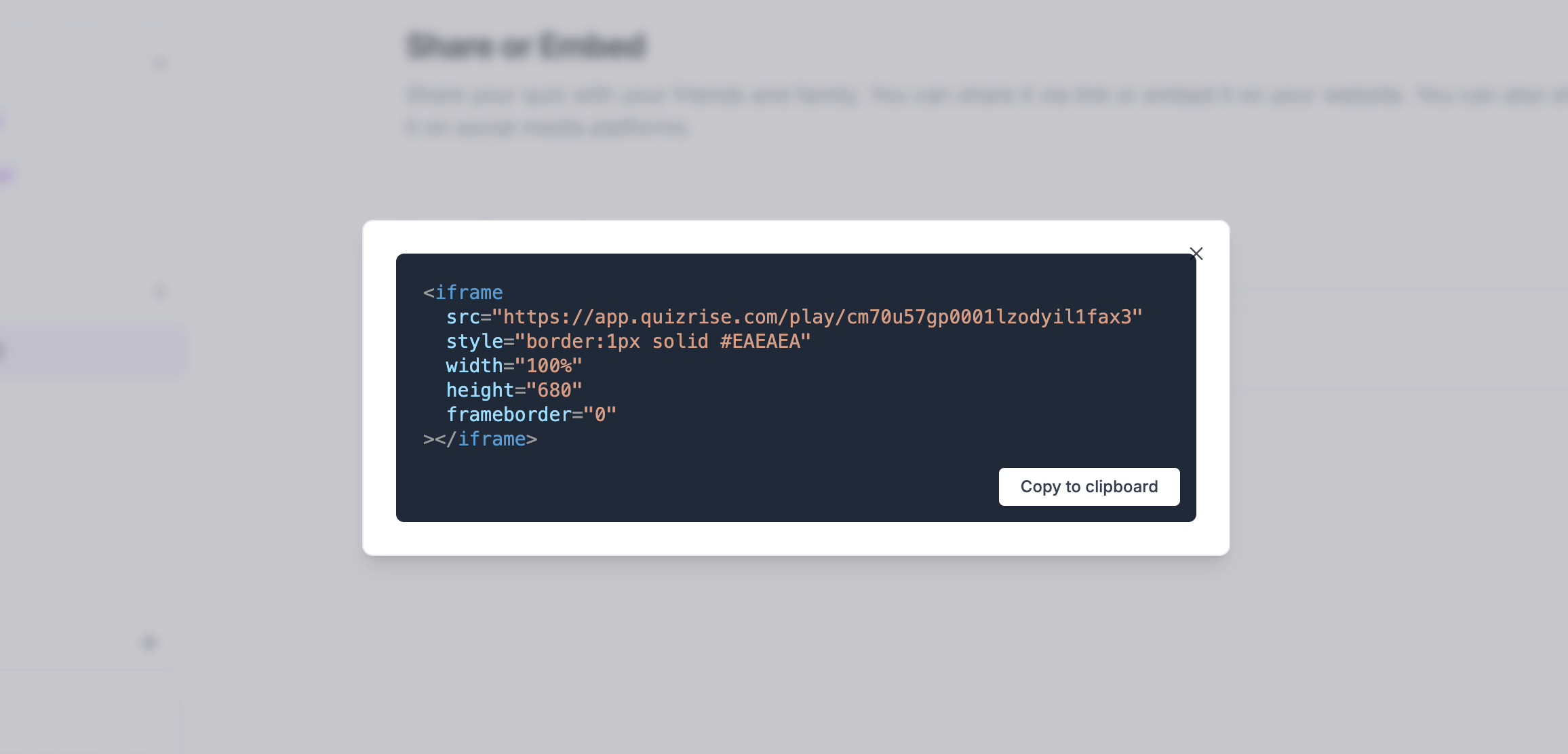

Boost your site's engagement! Quickly and easily embed a quiz on your website to increase visitor interaction.
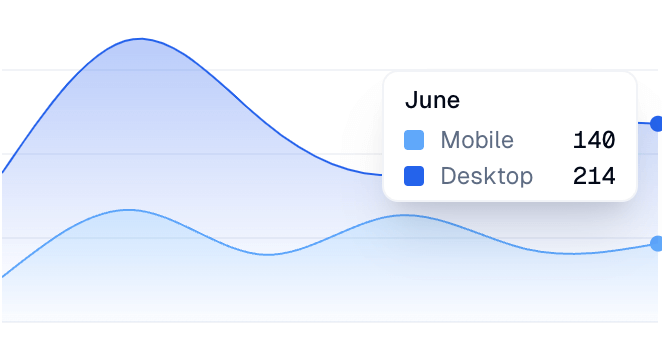

Analyze your student's results and identify key concepts that need reviewing. Spot areas needing review and identify learning trends.
QuizRise simplifies quiz creation by allowing you to generate questions and answers, then share or export your quiz for classroom and study workflows. The ability to generate multiple choice, true or false, and fill-in-the-blank questions means you can craft interactive quizzes and tests tailored to the material you already have.

QuizRise uses current large language models to draft questions from your material. You review and edit each question before you use it.

QuizRise enables you to quickly create quizzes with various data sources. Create quiz from PDF, create quiz from text, create quiz from YouTube videos, create quiz from PowerPoint, copy YouTube transcripts, download YouTube subtitles, create quiz from Website, or create quiz from YouTube URL you have all these ways.

QuizRise allows you to share the created quizzes via a URL and analyze the results in detail. You can easily analyze detailed information such as score, number of correct/incorrect answers, and time spent.
How to Create Questions in Minutes with our Quiz Generator
1. Create
Generate Questions with AI
Convert PDF, Text, YouTube, and full web pages to true or false, multiple choice, and fill-in-the-blank questions. Experience our unique question generator, which uses artificial intelligence to create a rich, interactive, and dynamic quiz-creation process.
Get Started2. Edit
Settings & Customize
Choose the question types, the difficulty, and how many questions to make. Then edit, add, or delete any question before you share the quiz.
Get Started3. Publish
Export & Share
Easily share your quiz through user-friendly links, embed it directly to your website to engage your audience, or simply export it to PDF or TXT format for a more tailored approach. Take the lead in spreading knowledge and enhancing connectivity!
Get Started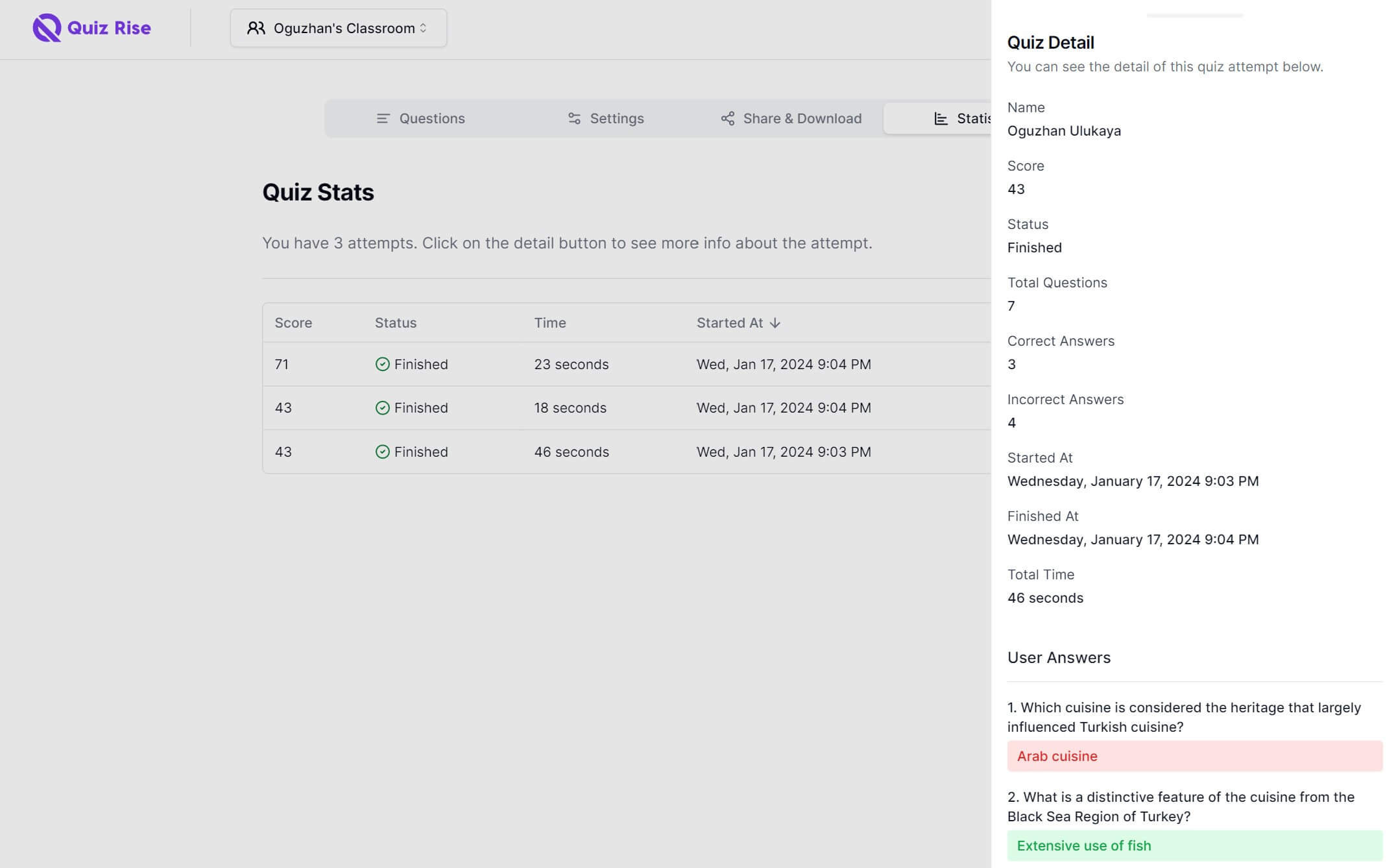
3. Statistics
Analyze the Results
Discover the practical side of education, and learning methods to analyze your student's results, identify key concepts that need reviewing, and spot potential areas for improvement. Use these data to uncover learning trends and tailor your teaching tactics for maximum success. Empowering export and share tools are only a step away!
Get Started